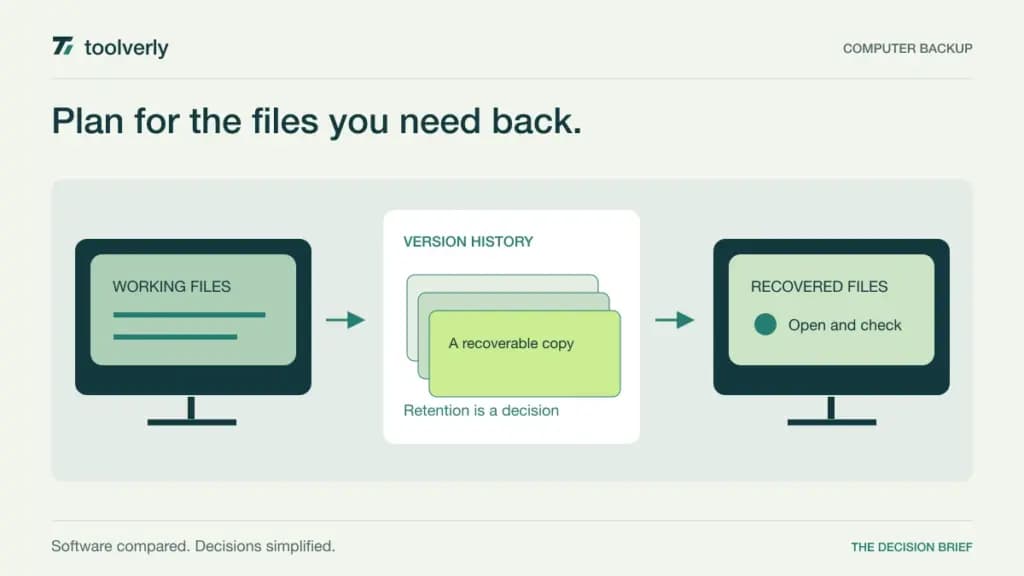
A business computer backup purchase should start with a recovery question: which files must someone get back, after which failure, and how far into the past? A storage allowance alone does not answer that. Nor does a green status indicator establish that a former employee’s files or a deleted folder will still be available when needed.
This guide compares Backblaze, CrashPlan, IDrive, Carbonite, and MSP360 for protecting business computer data. The products use different commercial models: per computer, per user, pooled storage, or separately configured software and storage. Keep those units visible when comparing a distributed workforce or a small office fleet.
Research checked September 29, 2026. This is an editorial review of official pricing and documented capabilities. We did not run backup or recovery benchmarks, validate a live restore, or test protection against an attack. Prices below are USD references; device eligibility, retention settings, taxes, promotions, and contractual terms need confirmation for the actual deployment.
Compare what is protected and what is included
| Product | Useful shortlist fit | Reviewed price reference | Main boundary |
|---|---|---|---|
| Backblaze | Mac and Windows endpoint files | Business Backup $99/computer/year | Advanced enterprise controls are quoted separately |
| CrashPlan | Endpoint protection across Windows, Mac, and Linux | Endpoints $88/user/year | Deleted-file retention has a 90-day maximum |
| IDrive | A mixed fleet using pooled storage | Business 500 GB shows $19.99/month equivalent on yearly billing | Shared storage capacity; first-year discount differs |
| Carbonite | A small office with a defined storage requirement | Core $287.99/year | Up to 25 computers share 250 GB |
| MSP360 | Administrators managing backup policies and destinations | Configuration-based calculator or tailored proposal | Endpoint licenses, storage, and optional services |
Backblaze
Backblaze Business Backup is a candidate for organizations whose immediate priority is protecting user files on Mac and Windows computers. The business page describes automatic backup, centralized administration, and unlimited backup storage per device. Its focus makes the computer count a particularly important budgeting input.
Pricing: Business Backup lists $99 per computer per year, with one-year version history included. Enterprise Control is a separate quoted offer for capabilities such as legal hold, OpenID Connect single sign-on, more detailed restore permissions, and backup lockdown controls.
Strength: the per-device model avoids estimating a pooled storage allowance for ordinary endpoint file growth. Limitation: unlimited data does not mean every type of workload or every retention and governance requirement belongs to the base plan. A file recovery requirement should not be confused with restoring a complete server environment.
Best fit: businesses with an identifiable Mac and Windows fleet and a clear owner for recovery. Trial the specific folders and external storage that employees rely on, then restore an earlier file version to a different location. Confirm how administrators retain control when an employee leaves. Backblaze business backup pricing and scope.
CrashPlan
CrashPlan’s small-business Endpoints offer supports Windows, Mac, and Linux with automatic cloud backup, end-user restoration, and device migration. The page lists unlimited endpoint storage and versioning, but its deleted-file policy establishes a separate and important retention boundary.
Pricing: Endpoints is $88 per user billed annually, displayed as $7.33 per month. A two-year option is $158 per user for that term. The published pricing applies up to 249 users; larger organizations are directed to sales. Server and cloud-application backup have separate plans and storage models.
Strength: the endpoint offering is relevant to a mixed operating-system workforce. Limitation: deleted files are retained for a maximum of 90 days, and administrators can choose a shorter period. Unlimited versioning should therefore not be read as indefinite retention of deleted files.
Best fit: a company that can align its recovery expectations with those retention rules. Include a deletion and a device replacement in the evaluation. Ask how users are licensed when they have more than one machine, and confirm that the proposal covers the actual device arrangement. CrashPlan small-business pricing and retention FAQ.
IDrive
IDrive Business is worth considering when the organization wants to protect a mixture of computers and other supported systems under a pooled capacity plan. The reviewed offer lists unlimited users and multiple computers, with support for workloads including servers, NAS, SQL, and Exchange. Workload support and the storage budget must both match the proposed deployment.
Pricing: with yearly billing selected, Business 500 GB displays a regular $19.99 monthly equivalent and a $13.99 first-year promotional equivalent. Confirm the annual invoice and renewal amount. A large device allowance does not turn the 500 GB pool into unlimited storage.
Strength: pooled capacity can suit a mixed fleet whose total protected data is known. Limitation: growth on one machine affects the same account’s storage budget. Microsoft 365 and Google Workspace backup are separate additions rather than automatic consequences of the Business computer plan.
Best fit: a small IT team willing to monitor protected data and capacity. Build the estimate from real folder sizes and retention needs, then include expected growth. Test restoration from the relevant workload instead of treating successful recovery of one desktop file as proof for every listed system. IDrive plans and introductory pricing.
Carbonite
Carbonite’s Core business offer provides a bounded starting point for a small office. The pricing table covers up to 25 computers, external drives, and NAS, with automatic encrypted cloud backup and 250 GB of storage. Power and Ultimate introduce server-related coverage and different allowances.
Pricing: Core is $287.99 per year, displayed as a rounded $24 monthly equivalent. Storage additions are available. The device count and storage pool should be considered together; 25 eligible computers do not each receive 250 GB.
Strength: the annual package gives a concrete fleet and capacity boundary to assess. Limitation: a data-heavy office may need more storage, while a server or full-system recovery requirement calls for a different scope. Do not attribute every feature in a multi-plan comparison table to Core.
Best fit: organizations with a measured file footprint and a relatively stable office fleet. Ask for current operating-system compatibility and exact external-drive or NAS behavior before ordering. During the trial, recover a folder with its expected structure and permissions, and identify the process for getting help when the primary administrator is unavailable. Carbonite business plans.
MSP360
MSP360 Managed Backup is a different kind of shortlist option: it emphasizes administration of backup policies and destinations across endpoints. The product describes centralized management, monitoring, and support for multiple cloud storage providers. File and image capabilities depend on the workload and operating system selected.
Pricing: the official calculator asks for company type, monthly or annual subscription, endpoint types, cloud storage, and optional services. Obtain a configured estimate or proposal. A software license price alone is not the complete storage and recovery budget; included or separately purchased destination services need to be explicit.
Strength: this approach suits an administrator or service provider that wants control over policies and storage arrangements. Limitation: that flexibility creates more choices to configure and maintain than a single bundled endpoint offer. Storage-provider charges and support scope need their own review.
Best fit: teams with someone responsible for monitoring failures and testing recovery. Ask the vendor to price the actual Windows, Mac, or Linux mix and the intended destination. Document who owns the storage account and who can authorize a recovery. MSP360 Managed Backup capabilities and configuration-based cost calculator.
Turn the trial into a recovery decision
List the files and devices that matter before comparing storage prices. Identify data that exists only on a laptop, data on connected drives, and data already stored in another service. Establish who owns each computer and who will receive alerts if protection stops. Our IT asset management comparison covers maintaining that equipment and ownership record.
Distinguish collaboration from recovery. A synchronized folder helps people work with current files, while a backup policy must also address previous versions, deletion, and a lost device. Review our business file sharing guide when the immediate problem is document access; do not assume that choosing a sharing service answers every recovery question.
Use a noncritical sample to evaluate restoration. Recover an older version, a deleted file within the documented window, and a folder to a replacement computer. Record the steps, permissions, elapsed time in your environment, and anything that required support. These are proposed buyer checks, not tests performed for this article.
Finally, compare one-year and renewal costs at the same fleet size and protected-data volume. Include additional storage, retention options, destination fees, and administrative effort. Choose the plan whose recovery scope your team understands and can operate; neither unlimited storage nor a low introductory rate is a substitute for that evidence.
Original illustration by Toolverly. Read about our publication or send a correction.