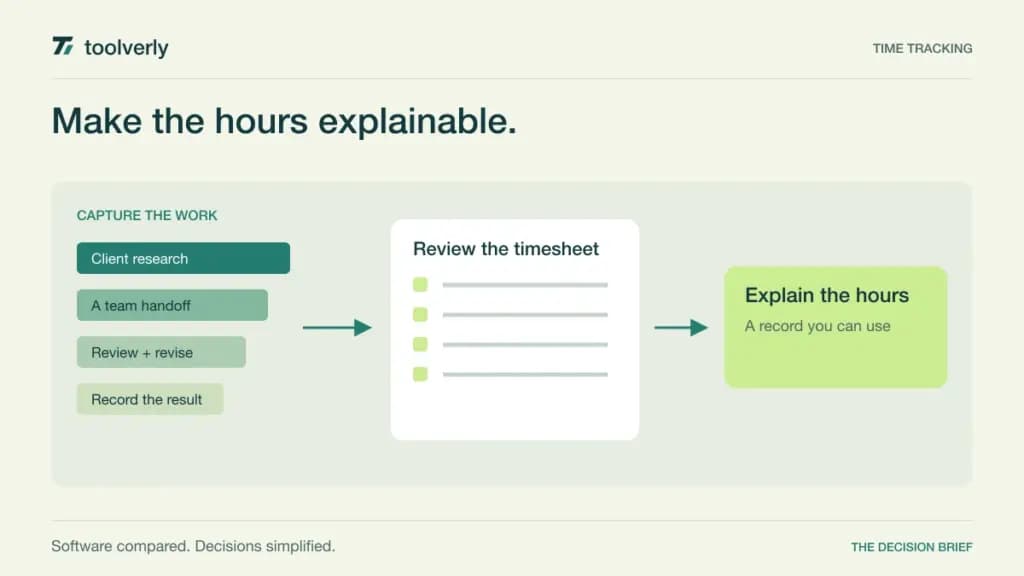
Time tracking becomes useful when it explains a decision: whether a project is over budget, which work can be invoiced, or why the same team keeps missing estimates. A timer alone cannot answer those questions. The surrounding rules for projects, rates, approvals, and corrections matter just as much.
This comparison looks at Toggl Track, Clockify, Harvest, Everhour, and Timely for teams that need a dependable record of client and internal work. Official sources were checked on September 23, 2026. Product descriptions reflect those sources; recommendations and trial exercises are our editorial analysis, not a hands-on benchmark.
Start with the purpose of the timesheet
Choose one primary outcome before evaluating features. Billing needs clear descriptions and a connection between approved work and an invoice. Project control needs actual hours compared with a budget. Capacity planning needs a consistent view of what counts as available time. Combining all three is possible, but using inconsistent definitions makes even detailed reports misleading.
| Product | Best fit | Main strength | Tradeoff to examine |
|---|---|---|---|
| Toggl Track | Teams analyzing project time | Tracking with paid reporting and approval controls | Useful management features depend on tier |
| Clockify | Teams formalizing timesheets and billing | Approvals, locked time, and invoicing in Standard | Count all active or invited paid seats |
| Harvest | Client-service businesses | Time, expenses, invoices, and payment integrations | Base seat price is not the complete usage bill |
| Everhour | Teams working inside project tools | Native integrations with budgeting and billing | Paid Team plan has a five-seat minimum |
| Timely | People reconstructing fragmented workdays | Automatic activity capture with timesheet review | Capture still needs human classification |
Toggl Track
Toggl’s current offering combines time tracking with planning features. The Free plan includes timers, manual entries, calendar integrations, and personal reporting. Starter adds billable rates and team visibility; Premium adds capabilities such as profitability reporting, timesheet approvals, and additional data-quality controls.
Our assessment is that Toggl belongs on the shortlist when a team wants time records to inform project decisions, but does not want to begin by designing an elaborate approval process. Start with a consistent client and project structure, then decide which controls are necessary once people are recording useful entries.
The annual view lists Starter at $9 per user per month and Premium at $16; enterprise arrangements are quoted separately. The Free plan is described as available for a limited number of users, so confirm the current allowance rather than relying on an older comparison. The tradeoff is tier selection: tracking time and governing billable records are different needs. During a pilot, export a project report and ask whether someone outside the delivery team can understand each line.
Clockify
Clockify supports several time-entry approaches, including timers, timesheets, and a kiosk. For a team moving toward controlled billing, its Standard tier is particularly relevant: it lists invoicing, timesheet approval, locked time, attendance and overtime, and time-off features. Pro adds a further set of management capabilities.
Standard is $5.49 per seat per month when billed annually, or $6.99 on monthly billing. The pricing page explicitly counts active and invited users, including owners, administrators, managers, and members, as paid seats. Deactivated users do not occupy a seat. Include that definition when estimating the cost of a larger rollout.
Our fit judgment favors Clockify when the business needs a defined submit-review-lock rhythm. The tradeoff is the process behind the controls: decide who can correct an entry after review and how a rejected timesheet returns to its owner. Do not activate every attendance or activity feature simply because it is available. Choose the information required for the business decision and explain the workflow to the people entering it.
Harvest
Harvest connects time and expense records with invoicing. Its Free plan includes one seat and two projects. The Teams plan adds team reporting and accounting and payment integrations, while Enterprise lists profitability reporting, timesheet approvals, and administrative controls. This makes the billing handoff a useful focus for evaluation.
The current Teams starting rate is $9 per seat per month billed annually, or $11 monthly. However, the official page says additional invoices, projects, clients, and tasks can be billed according to usage. A comparison that stops at the starting seat price would therefore miss part of the current cost model.
Our recommendation is to shortlist Harvest when the same business needs to move from recorded work to customer billing with fewer manual reconciliations. Model one busy billing month using your actual client and project counts. The tradeoff is whether the subscription and usage structure remain attractive at that scale. In a trial, trace an approved time entry onto an invoice, then make a correction and confirm that the business can explain the difference.
Everhour
Everhour places particular emphasis on tracking time from project-management tools. Its current integration catalog includes Asana, ClickUp, GitHub, Linear, and other work platforms. The paid Team plan includes native integrations alongside billing, budgeting, and invoicing. The free plan supports up to five seats but does not include integrations.
Team costs $8.50 per seat per month billed annually, with a minimum of five seats. That means an annual commitment equivalent to at least $42.50 per month, even for a smaller team. Custom arrangements are offered for larger organizations. Price the minimum commitment before deciding that an integrated timer is inexpensive for two people.
Our assessment is that Everhour is strongest as a candidate when the project system is already well maintained. Its appeal is recording time in the context where work is assigned. The tradeoff is dependence on that structure: inconsistent project names or duplicated tasks will weaken reports. Run a pilot using a real active project and include a renamed task, an archived project, and a collaborator joining partway through.
Timely
Timely takes a different approach through automatic activity capture and AI-assisted timesheets. Its Memory app records activity for a private timeline. Timely’s privacy explanation distinguishes that timeline from the timesheet colleagues see and says AI entries require review and approval before sharing. This is useful context for teams considering automatic tracking.
Starter is $9 per user per month billed yearly, or $11 monthly, with up to five users and 20 projects. Premium is $16 annually or $20 monthly and expands project and team capacity. Confirm the tier for any project-system connections or additional planning features you need.
Our fit judgment favors Timely when people regularly switch between short tasks and struggle to reconstruct the day. The limitation is conceptual: evidence that an application was active does not by itself establish which client should be billed. Budget time for reviewing and assigning entries. Explain what is captured and what becomes visible, then ask pilot participants whether the workflow helps them create a more useful record.
Define the rules before the pilot
Write a short time-entry policy using examples from your own work. Explain where internal meetings go, how to record client revisions, when to split a task, and which descriptions are suitable for an invoice. Avoid requiring such detailed labels that people spend more time categorizing work than recording it.
Keep billing rates and internal cost assumptions distinct. A billable rate is the amount you charge, while a cost estimate supports a different management calculation. Decide who may see each. When comparing reports, use the same assumptions across tools; a difference in margin can come from configuration rather than software quality.
If the project structure itself is unsettled, review our project management software comparison first. Put the agreed time-entry rules in a shared handbook; our team wiki comparison covers tools for maintaining that guidance. A reporting system is easier to trust when the team can find the definitions behind it.
Run one complete reporting cycle
Choose one live project and a small group with different responsibilities. Ask them to record time for a full reporting period, then run the process through review and its intended destination. That might be an invoice, a budget discussion, or next week’s staffing decision. Evaluate the output with the person who actually uses it.
- Compare expected work with missing, overlapping, or unusually long entries.
- Check how an owner explains and corrects an error.
- Verify that managers see the required details without unnecessary access.
- Export the records and confirm that client and project identifiers survive.
- Calculate the bill using actual seats, plan requirements, and usage.
Measure the administrative burden as well as the quality of the report. Count the reminders, edits, and explanations needed before the data becomes useful. Do not equate more recorded hours with better performance; the question is whether the record supports the agreed decision.
Shortlist Toggl for project analysis, Clockify for a structured timesheet process, Harvest for the invoicing handoff, Everhour for time entry inside existing project tools, and Timely for reconstructing fragmented work. The right choice is the one that produces an understandable record your team can maintain consistently.
Official sources
Checked September 23, 2026: Toggl plans, Clockify plans, Harvest pricing, Everhour pricing and integration conditions, Timely plans, and Timely’s explanation of activity privacy. Dollar amounts are USD; annual equivalents are not month-to-month commitments. Confirm taxes and the current offer.
Original illustration by Toolverly. Read about our publication or send a correction.