The most practical kitchen display is often the one that receives complete tickets from your existing POS. Compare Toast and Clover if you need dedicated kitchen hardware, Square for compatible Android screens with transparent device pricing, Lightspeed for its configured station workflows, and TouchBistro if you use its POS and want Fresh KDS routing. Check what your expeditor sees when a single order is split between the grill and the bar.
Follow an amended order through every station
Start with restaurant POS systems if you also need to replace order entry, hardware or payments. If the POS works, check whether the kitchen screen alone can close the handoff gap.
Use restaurant online ordering systems to choose how guests place orders. Then verify the kitchen sees identical modifiers and order types whether the ticket originates online or at a register.
| Product | Kitchen workflow | Equipment or ecosystem | KDS price to confirm |
|---|---|---|---|
| Toast | Item routing and kitchen coordination | Toast POS with dedicated kitchen displays | Customized hardware and software quote |
| Square | Ticket routing, status updates and timing | Square POS; compatible Android display | US $30/device Plus or $20/device Premium, plus plan |
| Lightspeed Restaurant | Configurable K-Series 2.0 station routing | K-Series POS and supported screen setup | US list: $30 per screen per month, plus POS |
| TouchBistro | Fresh-powered tickets with order types and item clearing | TouchBistro POS integration | Request a quote for the KDS configuration |
| Clover | Item routing and runner ticket printing | Clover 14-inch or 24-inch kitchen display | Confirm hardware and software through seller |
Toast
Toast describes sending individual items to their assigned prep stations, such as the grill or bar, on its kitchen display hardware. Consider it when short-order routing needs to be governed alongside the POS. Ask for a complete quote that includes prep and expeditor screens, mounting and networking rather than treating the base POS price as a kitchen price. Have the vendor distinguish local connectivity loss from internet loss and explain how an interrupted station catches up. Official references include Product and scope.
Square
Square lists ticket routing, timers and synchronized order information in its KDS. Its US pricing shows $30 per month per device on Plus and $20 on Premium, in addition to the monthly plan charge. Count physical displays, including an expeditor screen. If you only need one station, the lower device rate alone may not justify a higher POS tier. Verify eligible Android equipment, network requirements and the order channels available to that location. Official references include Product and scope.
Lightspeed Restaurant
Lightspeed's K-Series 2.0 guide covers routing, layouts, time and order-status settings by station. This fits an operator who wants separate configuration for production and oversight. The US restaurant pricing page lists KDS at $30 per screen per month on its standard plans. Verify the version, device compatibility and whether a new location or separate POS agreement changes that amount. A 1.0 setup guide is not evidence that an older install has the same capabilities. Official references include Product and scope, Plan or supporting details, Additional product details.
TouchBistro
TouchBistro describes a kitchen display powered by Fresh that can show POS and online orders together or direct order types to different screens. Its product page also describes striking through individual items and modifiers. This suits a team that needs to distinguish the source of a ticket without asking staff to rekey it. Ask which online ordering integrations the KDS supports, and obtain the add-on, device and support terms separately from the public POS starting price. Official references include Product and scope, Plan or supporting details.
Clover
Clover describes dedicated 14-inch and 24-inch displays, item routing and runner-ticket printing. Consider it when the current Clover setup works but the line needs clearer separation between item preparation and handoff to a runner. Get the actual equipment and software offer for your location; the availability or price of a terminal alone does not establish the kitchen's total cost. Verify the connected printer, mounting and which online order path sends usable tickets. Official references include Product and scope, Plan or supporting details.
Price the entire line
A done item is not necessarily a done order. Ask the provider to show a counter order and an online order with identical modifiers, then send an amendment after one station has acted. Check whether an expeditor sees the complete ticket, how a mistaken bump is reversed and which screen or printer picks up work if one display loses connectivity. As a cost illustration, three devices on a $30-per-device or per-screen add-on cost $90 a month before the POS subscription, hardware and any taxes. Dropping the expeditor screen to save $30 is only a good trade if one person can still see every incomplete order.
By Toolverly Editorial, with AI-assisted research and drafting.
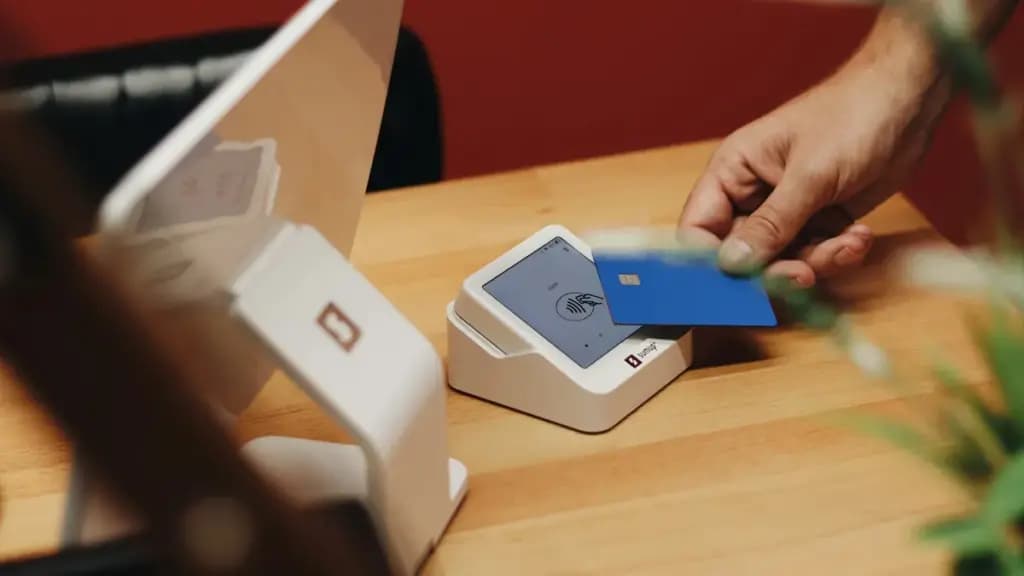
Photo by SumUp on Unsplash. Read about our publication or send a correction.